

1
Pick a niche
Browse the built-in catalog of known niches, with risks and starting searches.
Research niches, study real channels and outlier videos, and plan your first ten videos — on your own computer, in English or Arabic.
Other platforms · v0.1.0 · Nov 7, 2026 · No cloud account · YouTube API key optional
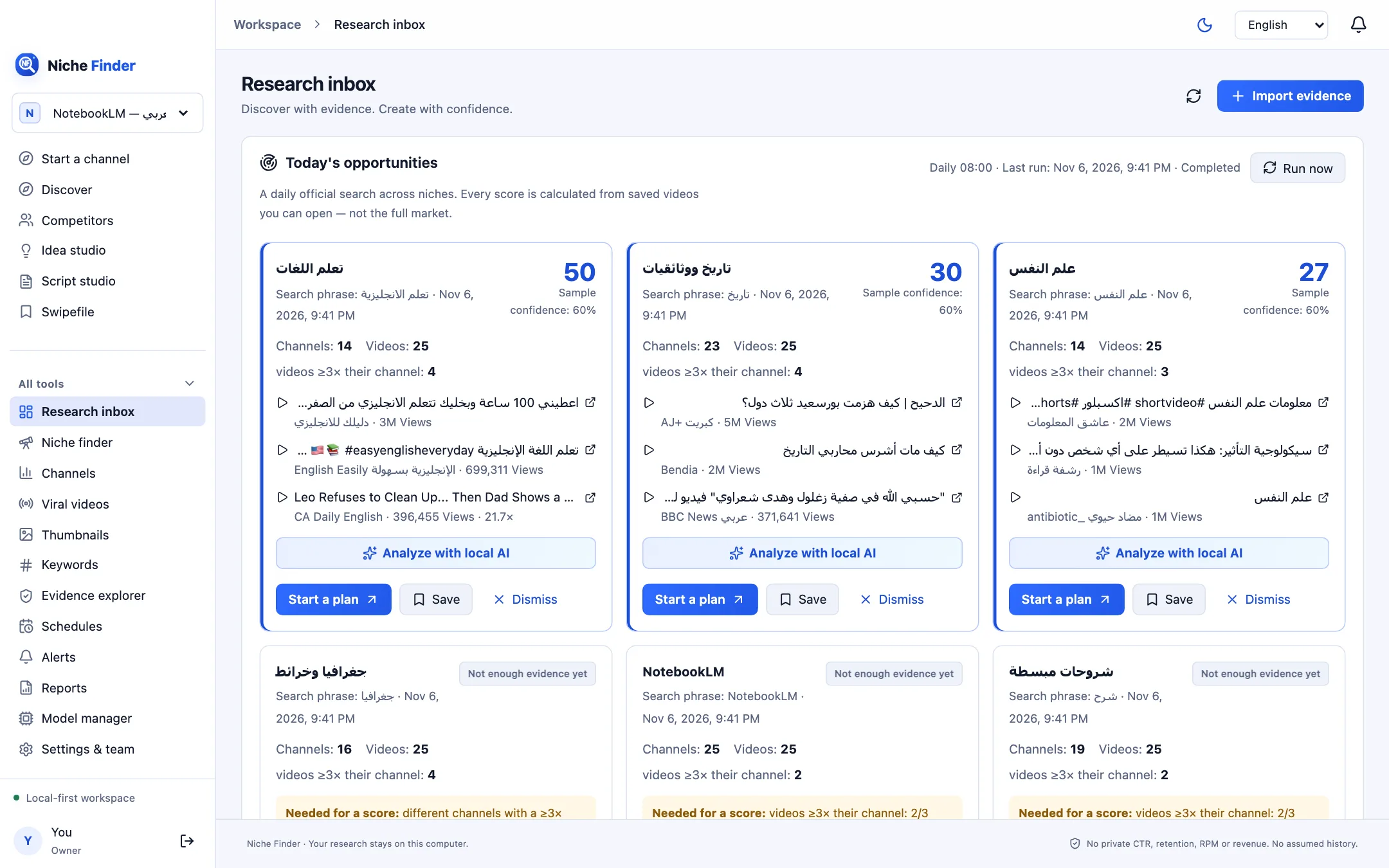
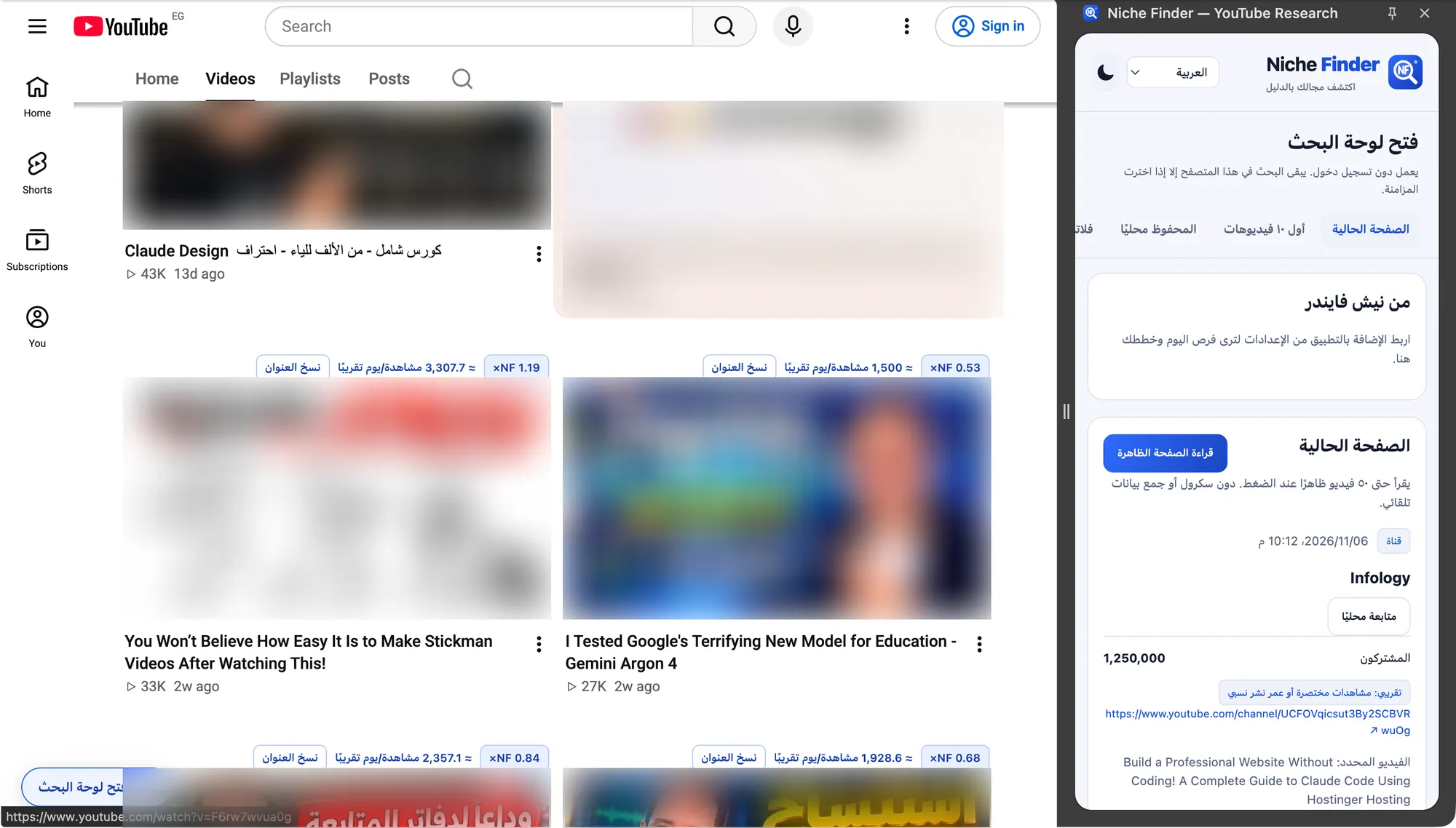
Counted in the shipped build — not a growth claim.
The same path the app guides you through, step by step.
Browse the built-in catalog of known niches, with risks and starting searches.
Run an official YouTube search with your key, or import data you’re allowed to use.
See which videos beat their own channel, and open the source of every number.
Save ten production briefs, then turn one into a structured script draft.
Known niches grouped by format, production style and risk.
Videos compared with their own channel’s usual views.
Source, date and method behind every observation.
A consented daily search that scores only with enough evidence.
Editable production briefs in your output language.
Scenes, narration and on-screen text, with revisions and exports.
Follow channels and compare their samples.
Recurring runs, alerts and saved Markdown reports.
Use Ollama models on your machine — never required.
Nishio shows what it measured and what it couldn’t. No private analytics, no invented figures.
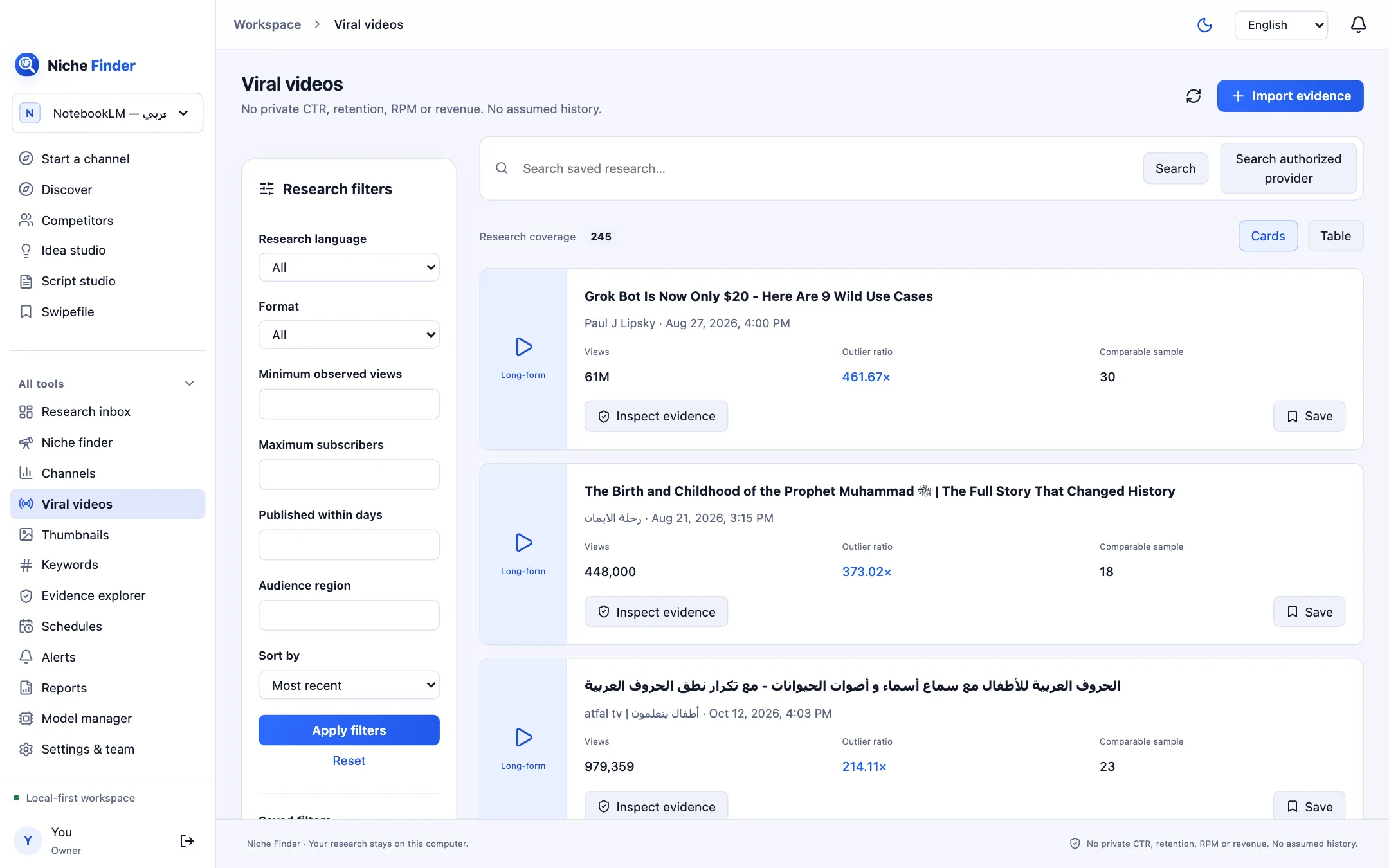
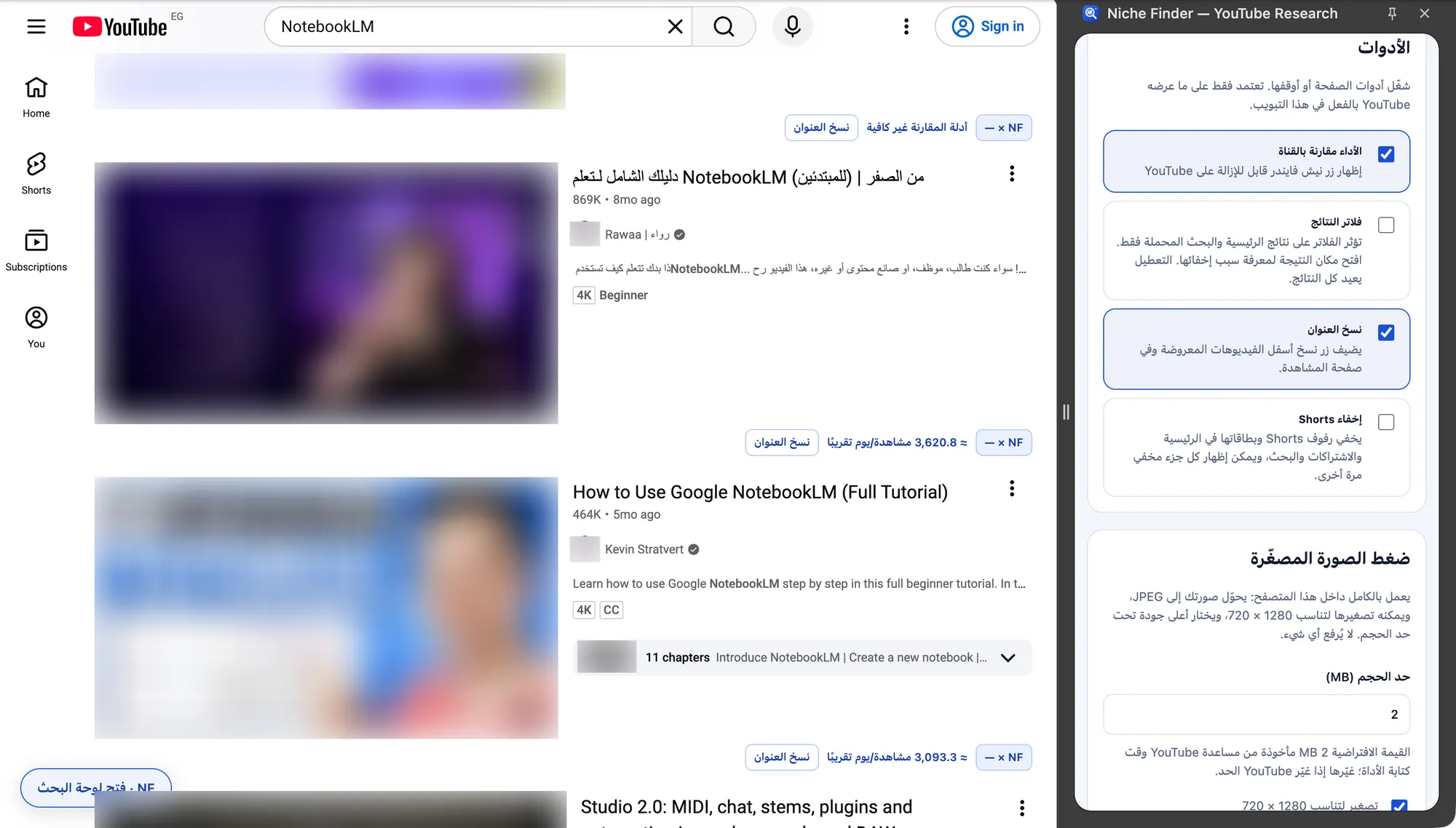
Badges on videos, a side panel with details, page tools and ten-video ideas — paired with the desktop app or on its own.
Nishio is a desktop app you download and own. There is no paid tier to upgrade to.
The only external quota is the one Google gives your own YouTube API key. We never see it.
Your account, workspaces, saved videos, notes, plans, scripts and reports live in a local database on your machine.
Official searches are sent to Google’s YouTube Data API with your own key, and only after you confirm.
Local AI through Ollama and pairing the browser extension are both opt-in and stay on 127.0.0.1.
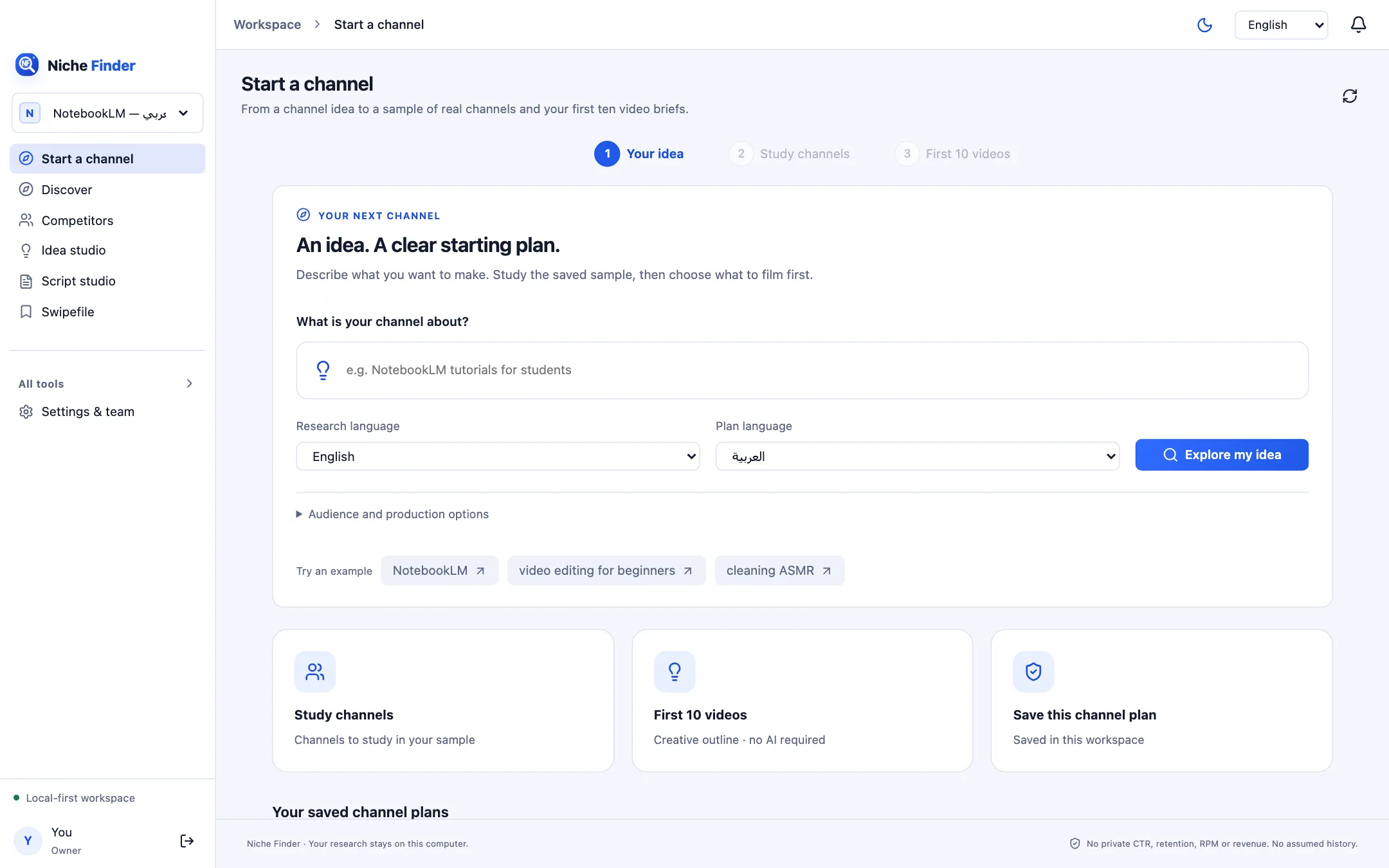
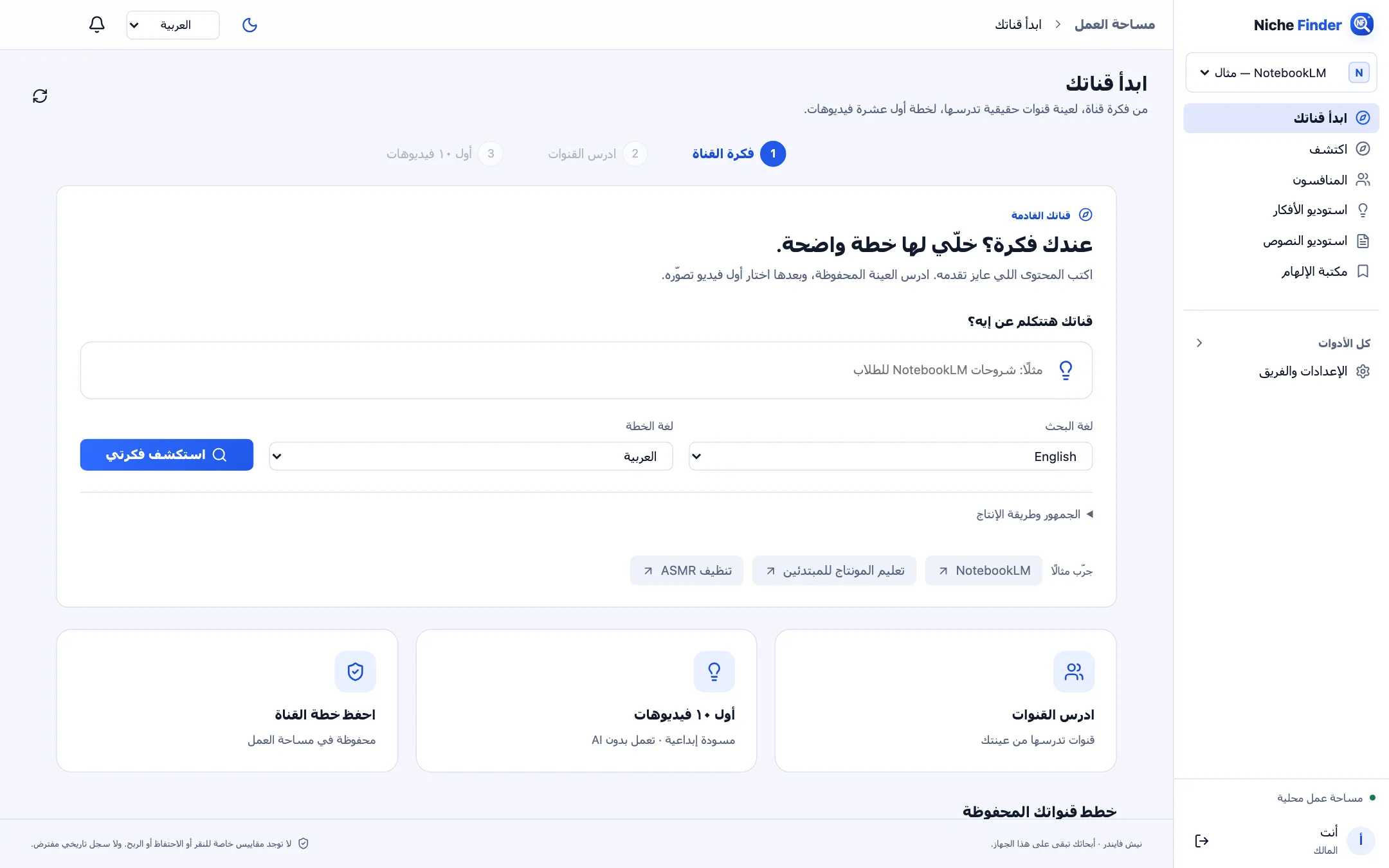
A complete right-to-left interface — and the research language and output language are chosen separately from the interface language.
Yes. Download it for macOS, Windows or Linux and use it without an account in the cloud.
Only for official online search. The catalog, imports, notes, plans, scripts and reports work without a key. A key is free from Google Cloud; add it in Settings → YouTube.
In a local database in your user folder: ~/Library/Application Support/Nishio on macOS, %APPDATA%\Nishio on Windows and ~/.config/Nishio on Linux. Use File → Open data folder in the app.
It isn’t published there yet. You install it from a ZIP with “Load unpacked” — it takes about a minute and the steps are on the Extension page.
The Windows installer isn’t code-signed yet, so SmartScreen asks you to confirm (More info → Run anyway). On macOS, choose “Always Allow” when the app asks to use the keychain for your encrypted key.
Yes for everything stored locally. Online search, opening YouTube and downloading AI models need the internet.
Free for macOS, Windows and Linux.