

DocsCreate
Script studio
Write a scene-by-scene script draft linked to your saved evidence, with a verification checklist, revision history and export.
Real screenshot of the app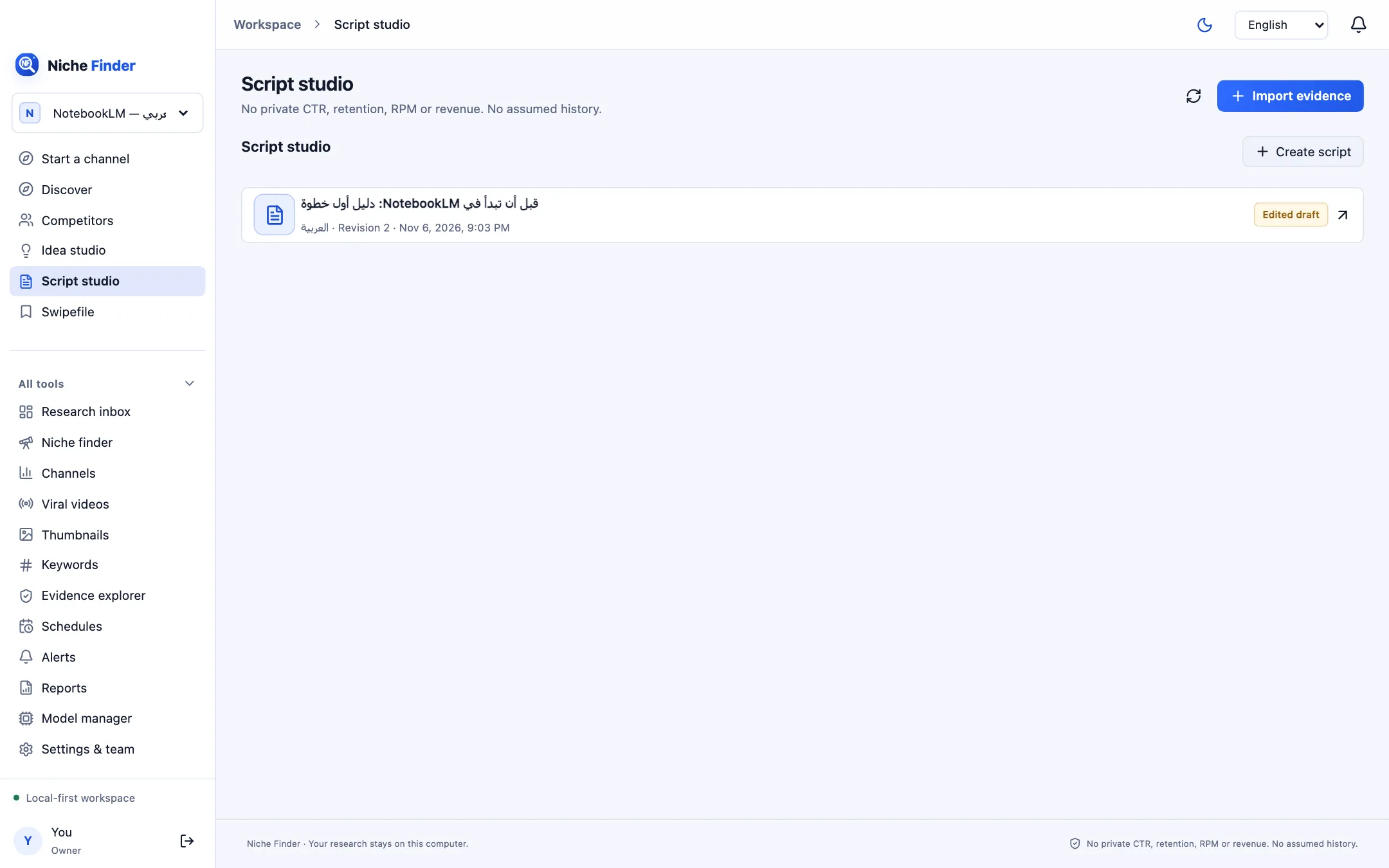
Create a draft
- Click “Create script” (it needs at least one idea), or use “Create a script draft” from a brief in Start a channel.
- Choose the video idea and the Target duration (seconds).
- Optionally tick “Use selected local model”, and for Arabic scripts “Request Arabic diacritics (review required)”.
- Create. The editor opens on the new draft.
Edit the script
Each scene has an Opening hook or Narration, On-screen text, Visual direction, a Transition and its length in Seconds. Changes save automatically a moment after you stop typing; the status line shows Unsaved changes, Saving… or Saved, plus the revision number. Every save creates a new revision you can review in Revision history. If a newer revision exists, the app asks you to reload instead of overwriting it.
Check the facts
- Use the Verification checklist before recording.
- Add each factual statement with “Add claim for review” and mark it Human verified, Review required or Unsupported.
- Never announce the results of an experiment you have not actually run. Add your own original details and mark what still needs checking.
Export
Export the current revision as MD, JSON or CSV. The export includes the script and its source references.
A working draft, not a final scriptEvery draft requires source verification and editorial review. It is a structure to help the writer, not a text ready to publish without editing.