

DocsChrome extension
Install the Chrome extension
The Nishio extension adds research tools to YouTube itself. It is distributed as a ZIP that you load into Chrome in developer mode. Other Chromium browsers such as Edge or Brave use the same steps but haven’t been tested yet.
Get the ZIP
- From this website: download the extension ZIP from the download page.
- From the desktop app: File → “Get the Chrome extension…” copies niche-finder-extension.zip to your Downloads folder, shows it in the file manager and lists the steps. Help → “How to install the extension” does the same.
Load it into the browser
- Unzip the file. Keep the unzipped folder somewhere permanent; the browser loads the extension from it. The folder you select must hold manifest.json next to worker.js and content.js — a folder with manifest.json but no worker.js is the wrong one, and the browser then reports "Could not load background script".
- Open chrome://extensions (edge://extensions in Edge, brave://extensions in Brave).
- Turn on Developer mode.
- Click “Load unpacked” and choose the unzipped folder.
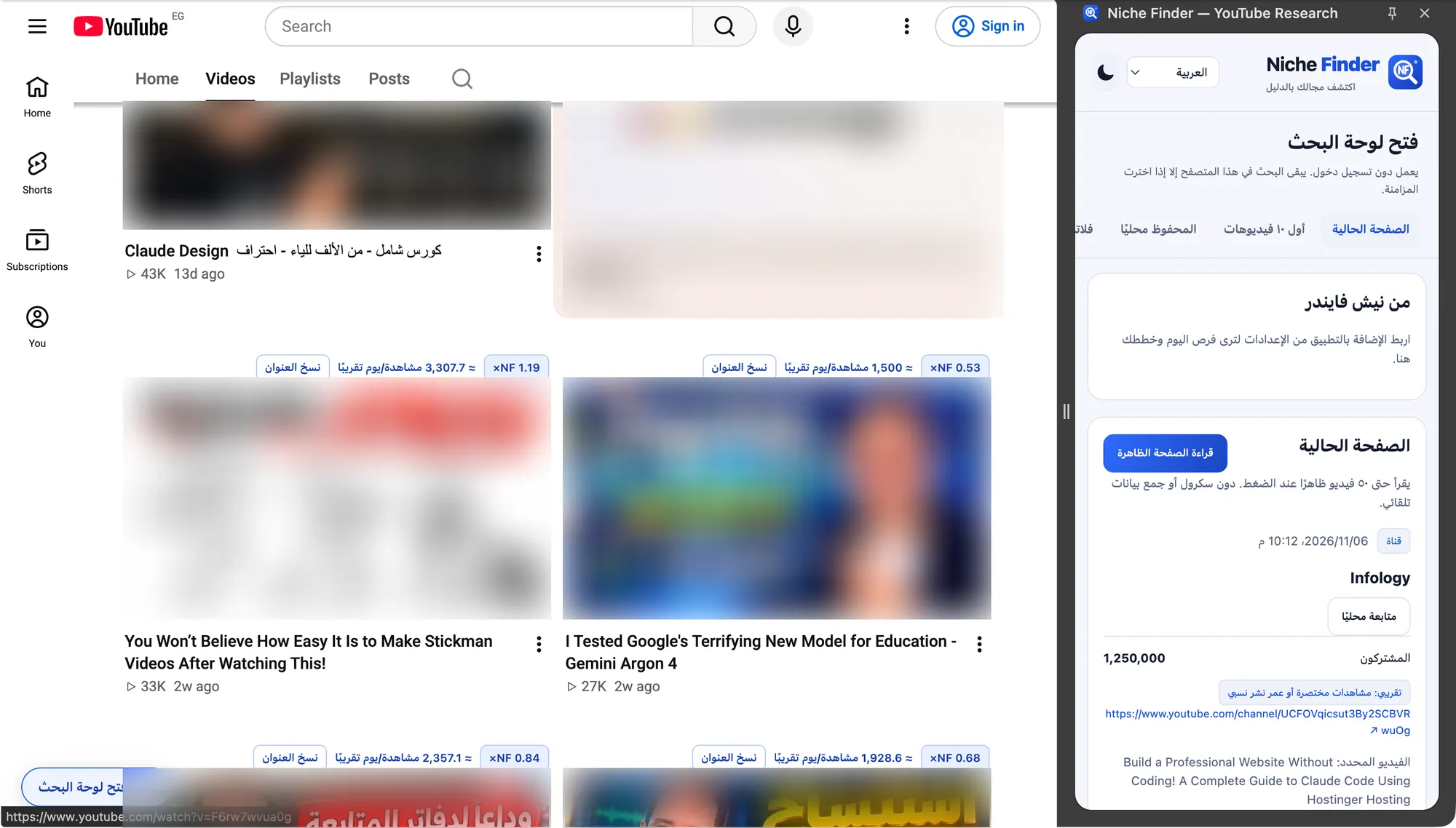
- Open YouTube, or reload a YouTube tab that was already open. A “NF · Open research panel” button appears at the bottom of the page; click it to open the side panel. You can also pin the extension’s toolbar icon.
Update it
- Download the new ZIP and unzip it.
- Replace the contents of the old folder with the new files (or point “Load unpacked” at the new folder).
- On chrome://extensions click the reload icon on the Nishio card, then refresh your YouTube tabs.
Your locally saved pages, plans and preferences are kept when you reload the extension in place. Removing the extension from the browser deletes its local storage, so export your local research first.
No account neededReading pages, saving locally, filters, previews and the ten-idea planner work without a Nishio account, without a YouTube sign-in and without the desktop app running. Chrome or Chromium 120 or newer is required.
Developer mode warningBrowsers may remind you that a developer-mode extension is installed. That is expected for extensions loaded unpacked; it is not in the Chrome Web Store.