

DocsAutomate
Reports
Local reports gather your data coverage, hypotheses, source links and the limits of what is known, in the language you choose.
Real screenshot of the app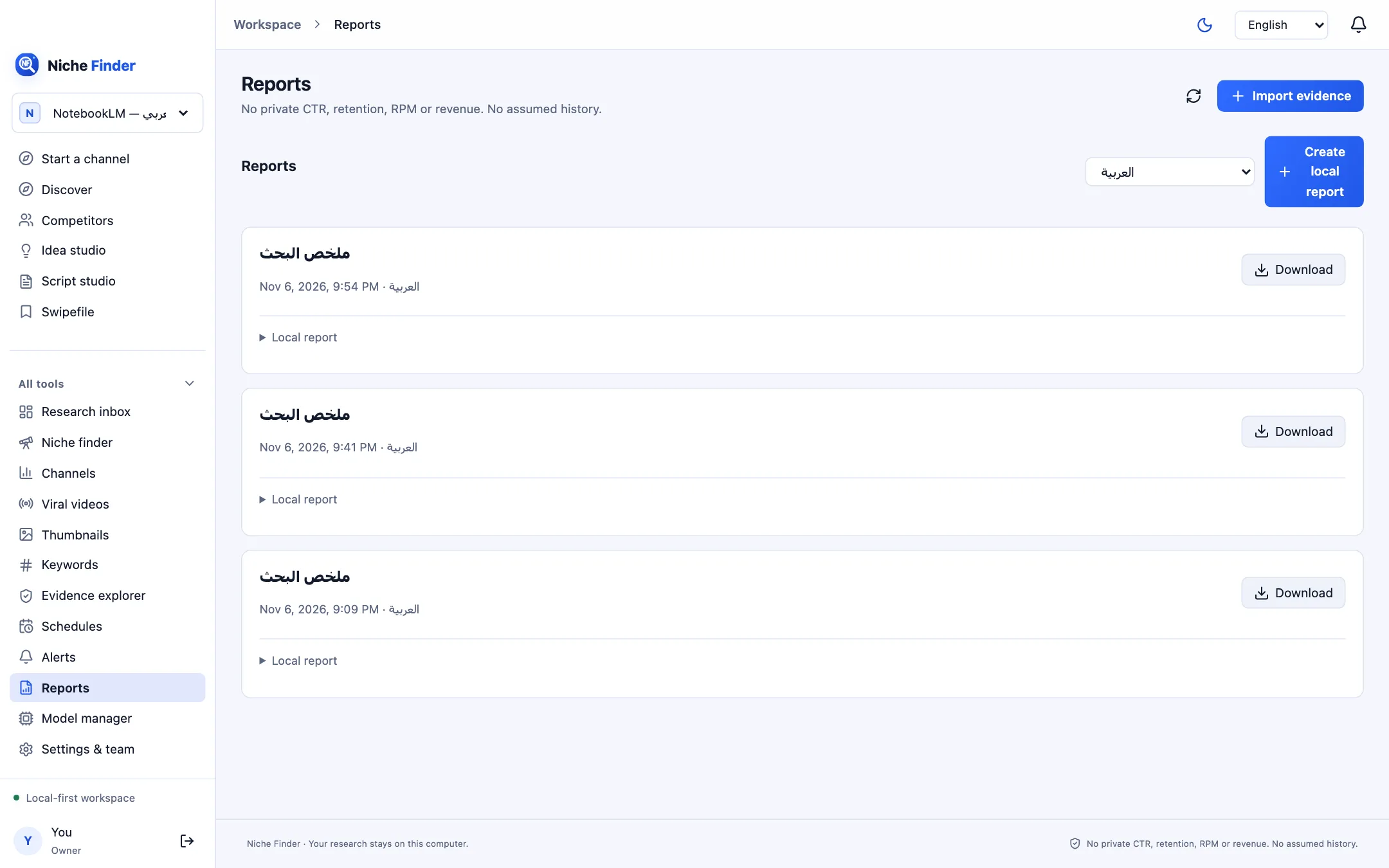
Create a report
- Open Reports and choose the report language in the menu next to the button.
- Click “Create local report”. Scheduled report and digest jobs also add reports here automatically.
- Expand “Local report” on any card to read it in the app, or click Download to save it as a Markdown file.
Use it as a weekly review
- What did we learn from the saved sample?
- What needs more evidence before deciding?
- Which video will we test next?
A checkpoint, not a decisionA report summarizes saved evidence and its limits. It is not an automatic decision that replaces the channel owner’s judgement.