

DocsAI & settings
Settings & team
Configure your workspace and languages, local accounts and roles, display options, source permissions, the YouTube key, extension pairing and backups.
Real screenshot of the app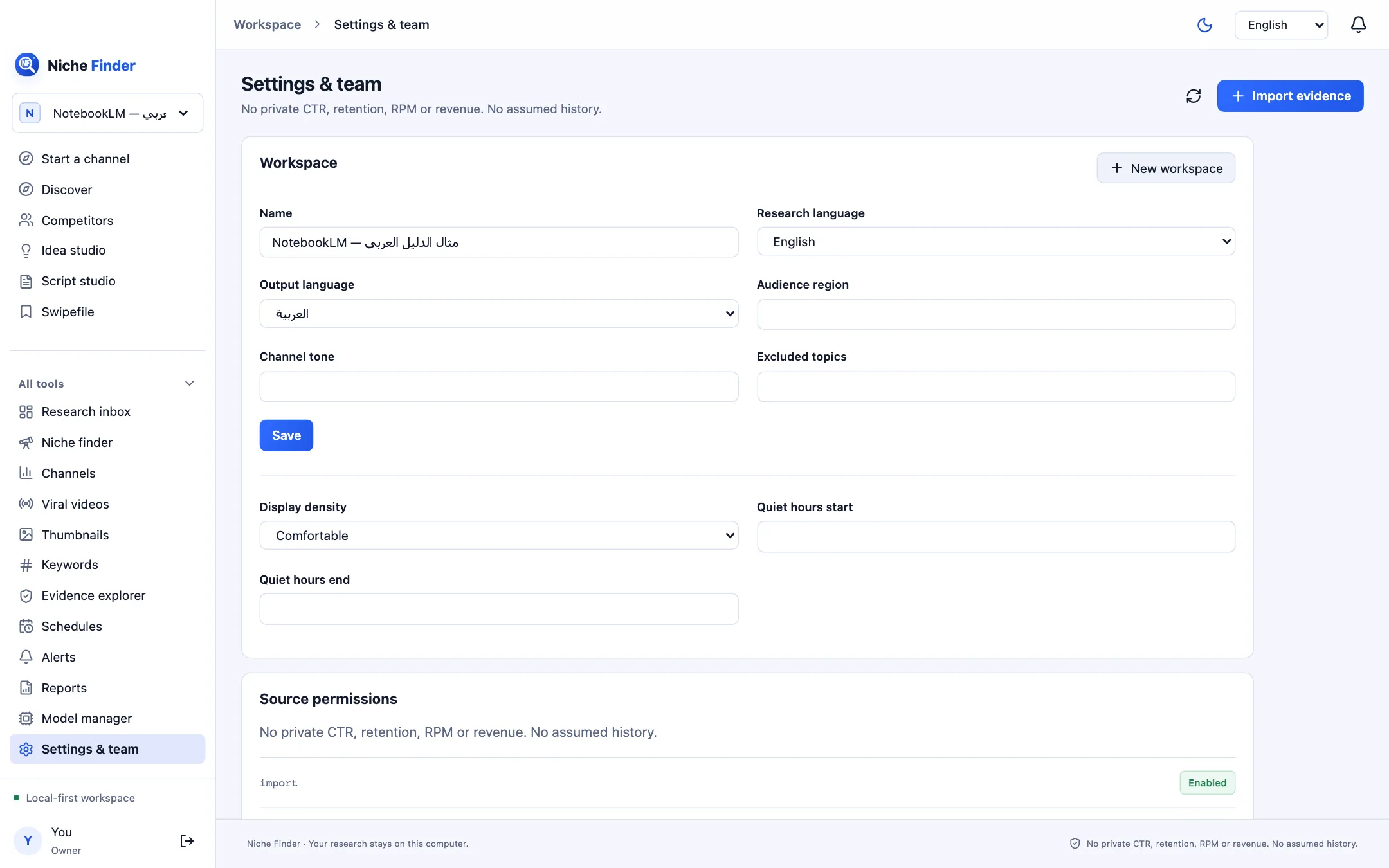
Workspace
- Name, Research language, Output language, Audience region, Channel tone and Excluded topics. Click Save. Requests on excluded topics are refused.
- “New workspace” creates another separate research space; switch between them from the workspace menu at the top of the sidebar.
- Display density (Comfortable or Compact), Quiet hours start and Quiet hours end (local time, 0–23).
The Interface language and the light/dark Appearance are changed from the top bar, not here.
Owner-only sections
- Source permissions: which data sources are enabled, manual or require authorization.
- Browser extension pairing: create one-time codes and revoke paired browsers (see “Pair the extension”).
- YouTube API accounts: your key, the active account, today’s usage and the next quota reset (see “Add your YouTube API key”).
- Research browser: open an isolated, visible browser for manual research when you consent, close it, reset its profile, or report a blocked source or CAPTCHA.
- Private data directory: shows where data is stored and offers “Create verified backup” (see “Import & backup”).
Local accounts & sharing
- Click “Add local account” and enter a name, email, password (12+ characters) and role.
- Owner: full control, including keys, pairing, backups and accounts. Editor: can research, save and write. Viewer: can read only the workspaces shared with them.
- Use “Revoke access” to disable an account.
Accounts stay on this computerLocal accounts are for people who use the same computer. Network (LAN) sharing is off by default and is not part of the desktop app’s tested setup.