

DocsAutomate
Alerts
Alerts tell you when something needs your attention: a report is ready, a job failed, a source needs manual action, or new evidence appeared.
Real screenshot of the app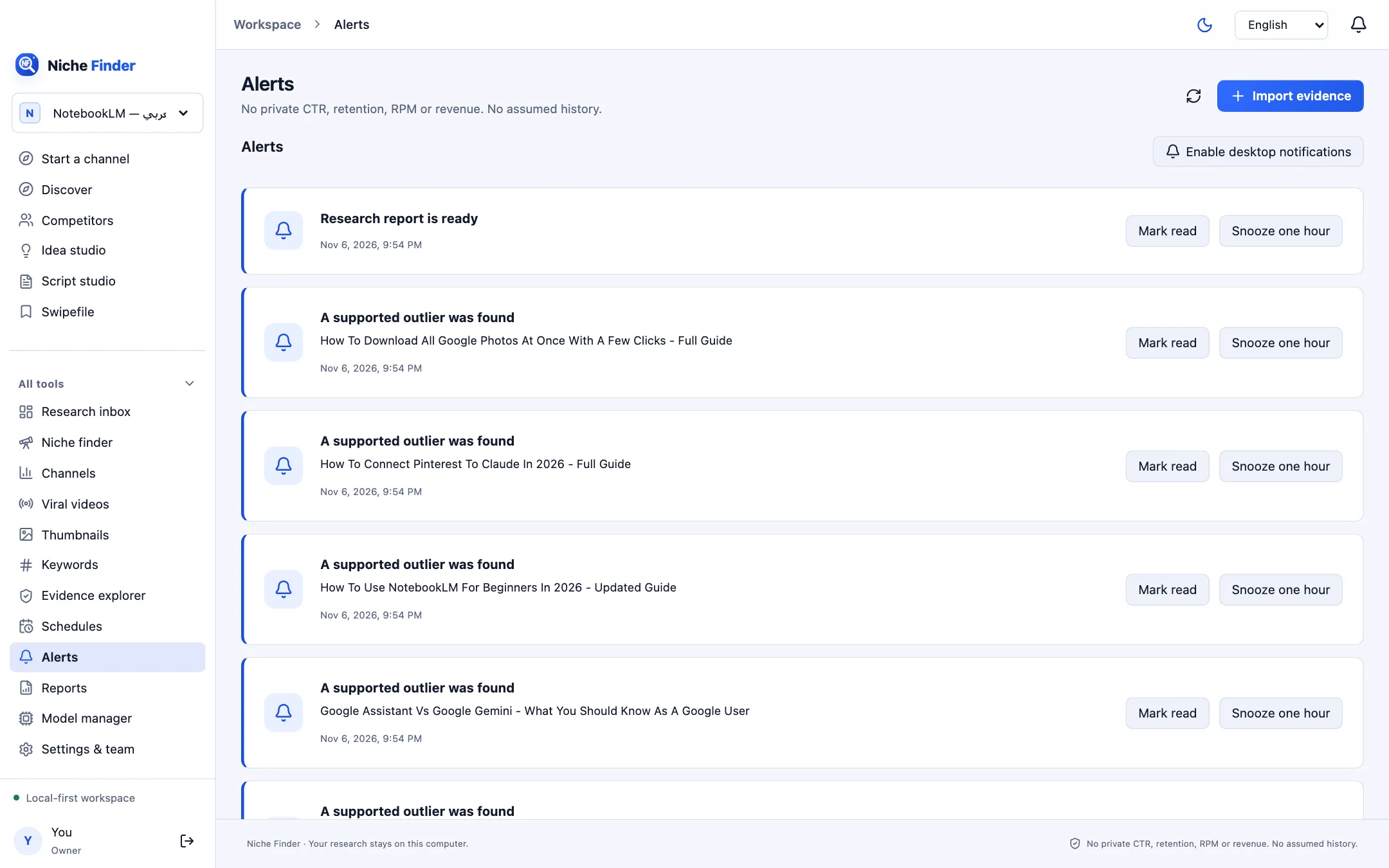
What you can be alerted about
- Research report is ready.
- A research job failed, or a scheduled search stopped at a source or quota limit.
- Source needs manual intervention.
- A supported outlier was found, or a new evidence-backed niche opportunity appeared.
- Saved evidence needs refreshing.
Handle alerts
- Open Alerts from the sidebar or the bell at the top of the window.
- Use “Mark read” when you have dealt with an alert, or “Snooze one hour” to see it again later.
- Click “Enable desktop notifications” to receive system notifications as well.
Quiet hoursDesktop notifications are not shown during the quiet hours you set in Settings & team. If notifications are unavailable or denied, the Alerts inbox still works.