

DocsResearch
Thumbnails
See saved videos as a thumbnail wall with their numbers, and study images you are allowed to process with an optional local vision model.
Real screenshot of the app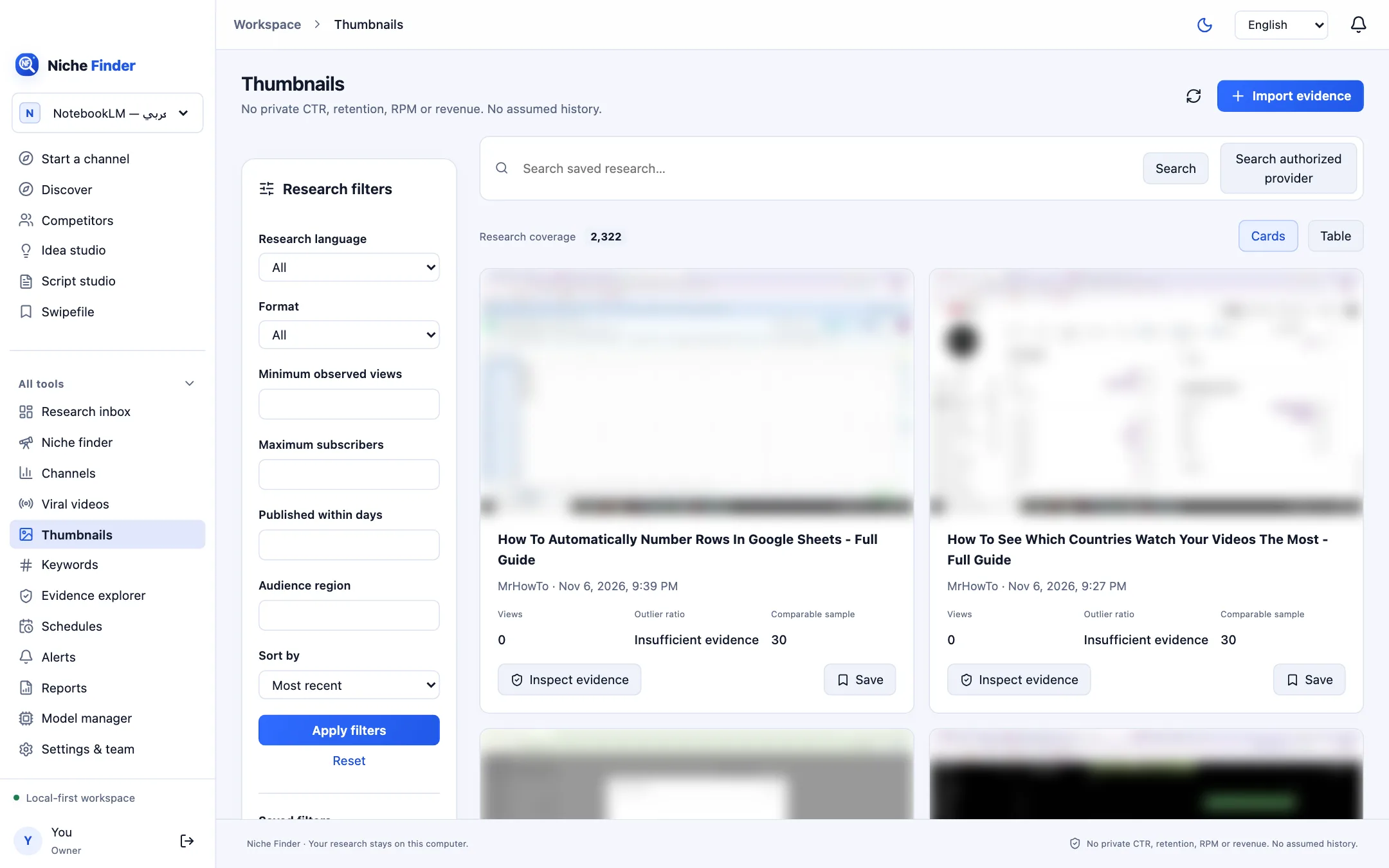
The thumbnail wall
Thumbnails uses the same research filters as Discover, but shows each saved video with its thumbnail, title, channel, date, Views, Outlier ratio and Comparable sample. “Inspect evidence” opens the source; Save adds it to your Swipefile.
Authorized image research
- Scroll to “Authorized image research”.
- Enter a Title and the Source URL, and choose a PNG, JPEG or WebP image — maximum 3 MB.
- Tick “I own this image or have permission to process it locally.” and import it.
- Optionally use “Analyze with local vision model” (needs a model assigned to Image analyst in Model manager) or “Find visually similar saved images”.
Visual similarity uses a perceptual hash distance: it finds images that look alike, not images with a similar meaning.
One image proves littleAnalysis describes one uploaded image. It cannot establish whether a channel is faceless, its CTR, or why a video succeeded. Faceless and AI-content signals stay unknown without visual evidence.