

Desktop basics
How the window, menus and shortcuts work, where your data lives, and how to update without losing anything.
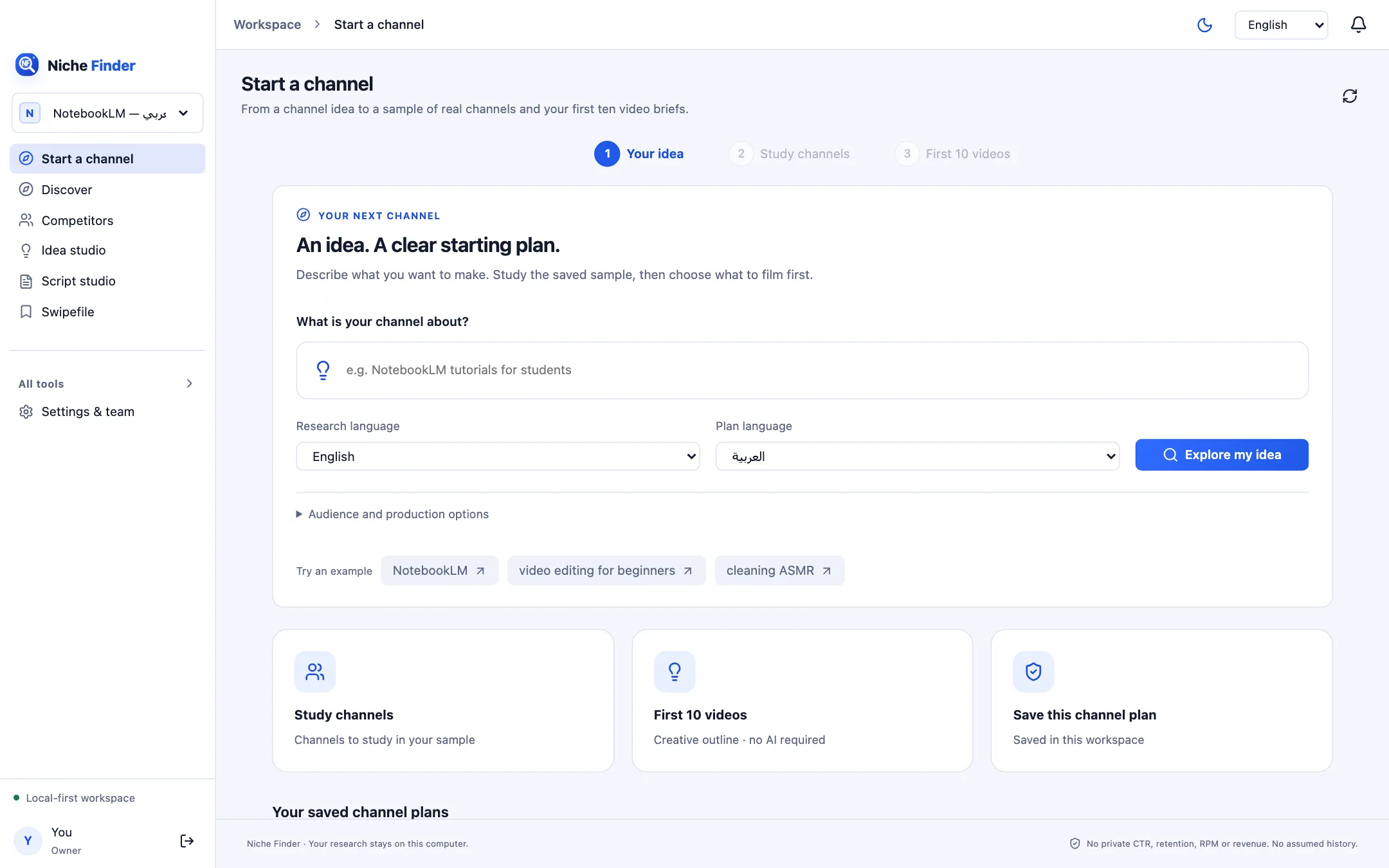
The window
The left sidebar holds the everyday screens: Start a channel, Discover, Competitors, Idea studio, Script studio and Swipefile. “All tools” expands to Research inbox, Niche finder, Channels, Viral videos, Thumbnails, Keywords, Evidence explorer, Schedules, Alerts, Reports, Model manager and Settings & team. The workspace switcher sits above the menu; the theme toggle, language menu and alerts bell are at the top right.
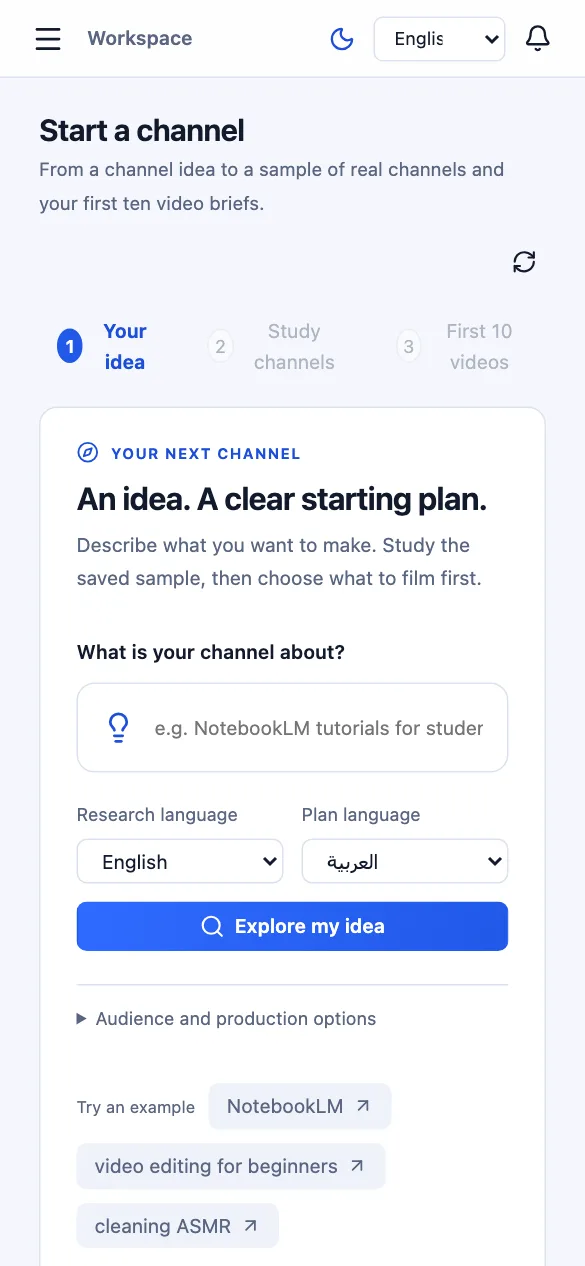
The window remembers its size and position. It can be made as narrow as a phone; the sidebar then collapses behind a menu button.
Menus and shortcuts
The File menu has “Get the Chrome extension…”, which copies the extension ZIP to your Downloads folder and shows the install steps, plus “Open data folder” and “Open logs folder”. The Help menu has “How to install the extension”. The View menu offers reload, zoom and full screen. Menus follow the interface language you choose in the app.
| ⌘/Ctrl + 1 | Start a channel |
| ⌘/Ctrl + 2 | Discover |
| ⌘/Ctrl + 3 | Competitors |
| ⌘/Ctrl + 4 | Idea studio |
| ⌘/Ctrl + 5 | Script studio |
| ⌘/Ctrl + 6 | Swipefile |
| ⌘/Ctrl + 7 | Research inbox |
| ⌘/Ctrl + , | Settings & team |
Alerts and Reports are also in the Go menu, without a shortcut.
Your data and logs
Everything you save lives in one private folder for your user account:
- macOS: ~/Library/Application Support/Nishio
- Windows: %APPDATA%\Nishio
- Linux: ~/.config/Nishio
Inside it, data holds the database, reports, uploaded images and backups, and logs holds diagnostic logs. Use File → Open data folder or File → Open logs folder to jump there.
Updating
To update, quit Nishio and install the new version over the old one: drag the new app into Applications on macOS, run the new installer on Windows, or replace the AppImage / install the new .deb on Linux. Your data folder is separate from the app, so your research, accounts and settings are kept. Automatic updates are not available yet.